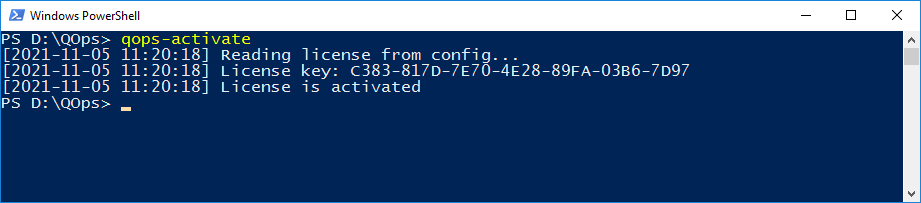
Activates the license with stored License Key. This command is automatically called after the installation. Before the license activating the valid License Key needs to be set by QOps-SetLicense or QOps-SetConfig or QOps-Configure command.
Syntax
QOps-Activate [-Manual][-Additional][-LicensePath][-User][-Force]
Parameters meaning:
-Additional activates additional licenses to allow concurrent QOps session execution (check details see QOps multithreaded)
-Manual displays the token required for manual activation. Combines with -Additional for additional activations (check details see QOps multithreaded)
-LicensePath takes the license file path obtained from the website during manual activation and sets the license. Combines with -Additional for additional activations (check details see QOps multithreaded)
-User activates a license for a specific user.
-Force activation even if data from a previous activation is detected on the system.
Useful when re-activating QOps on the same machine or in environments where residual activation data may be present.
-VerboseLog enables full verbose output including complete API response dumps and debug information. By default, QOps now produces concise output summaries.
License activation errors now display detailed reasons (InvalidReason) from the server instead of generic error messages. When activation fails, QOps automatically performs server-side verification and reports the exact cause — whether it is an expired license, exceeded activations, or a network issue.
Examples
QOps-Activate
Result: