
Builds the data connections from the source files created by QOps-PrepareDataConnections command. Without a -Filter, QOps-BuildDataConnections uses the filter saved in the repository. If none is saved either, it touches nothing and says so, rather than reporting success having done nothing — write commands do not act on everything by default. Pass -Filter * if that is what you want.
Syntax:
QOps-BuildDataConnections [-Filter] [-Sort] [-Profile] [-Verbose]
Parameters meaning:
-Filter specifies parameters for selecting Data Connections to process with QOps, allows filtering by following:
- Name
- Id
The multiple masks are supported in a way of repeating the field identifier group with a semicolon and with a comma separator inside a group, ex.: -Filter "Name=*ibcs*;Name=*api*,Id=*".
The Semicolon defines result joining with OR logic, the Comma defines results joining with AND logic. When the field name is omitted all possible values for this field will be applied.
-Sort specifies parameters for sorting Data Connections to process with QOps, ex. -Sort "Name=Asc". Allows filtering by following:
- Name
- Id
-Profile overrides default User Profile with the specified one
-Verbose enables extended command line output
Example:
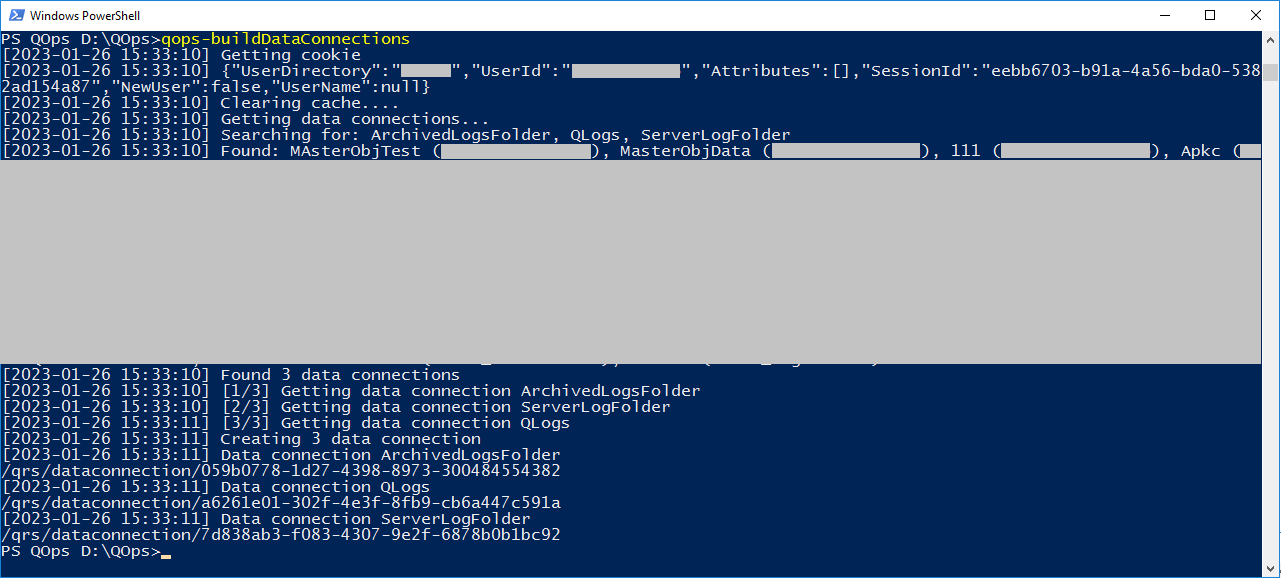
QOps-BuildDataConnections
This command is not available in QlikView mode
This command is not available in QlikCloud mode
-VerboseLog enables full verbose output including complete API response dumps and debug information. By default, QOps now produces concise output summaries.