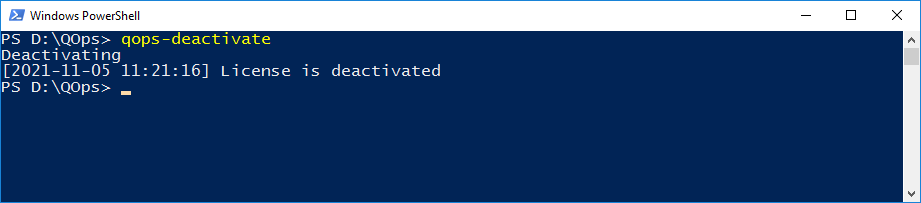
Deactivates the license. Use this command before applying for a new license, when the previous one has expired.
Syntax
QOps-Deactivate [-Additional] [-User]
-Additional deactivates only the most recent activation, the last additional licence (see QOps-Activate -Additional). Without it, every activation of this user on this machine is deactivated.
-User deactivates the licence of another user on this machine. It needs administrator rights, and the user must exist on the machine. Without -User the current user's licence is deactivated.
-VerboseLog enables full verbose output including complete API response dumps and debug information. By default, QOps now produces concise output summaries.
New in version 3.0.4
Examples
QOps-Deactivate
Result: